
What is automated?
Workflow automation applies your configured rules to a request. The request’s service, location, purpose and supported form values can determine its approval route. Assignment rules then determine which team or eligible technician receives the work. This makes routine routing repeatable while retaining the decisions in the ticket history.
Example: a new laptop and a replacement need different routes
An additional laptop might require the employee’s department head followed by IT review. A replacement could ask for the current asset and its fault, then follow a different review. An upgrade may need a separate business justification. These are policy examples, not mandatory routes: administrators configure the available purposes and their conditions.
Configure additional, replacement and upgrade requests, then compare the preview with a pilot request using the same employee and form values.
Separate authorization from assignment
A company can route Infrastructure work by round robin while leaving Applications work for manual assignment. Eligibility can take account of skills, availability and workload limits. Define what should happen when nobody qualifies, and keep unassigned work visible to a manager.
Test the exceptions before rollout
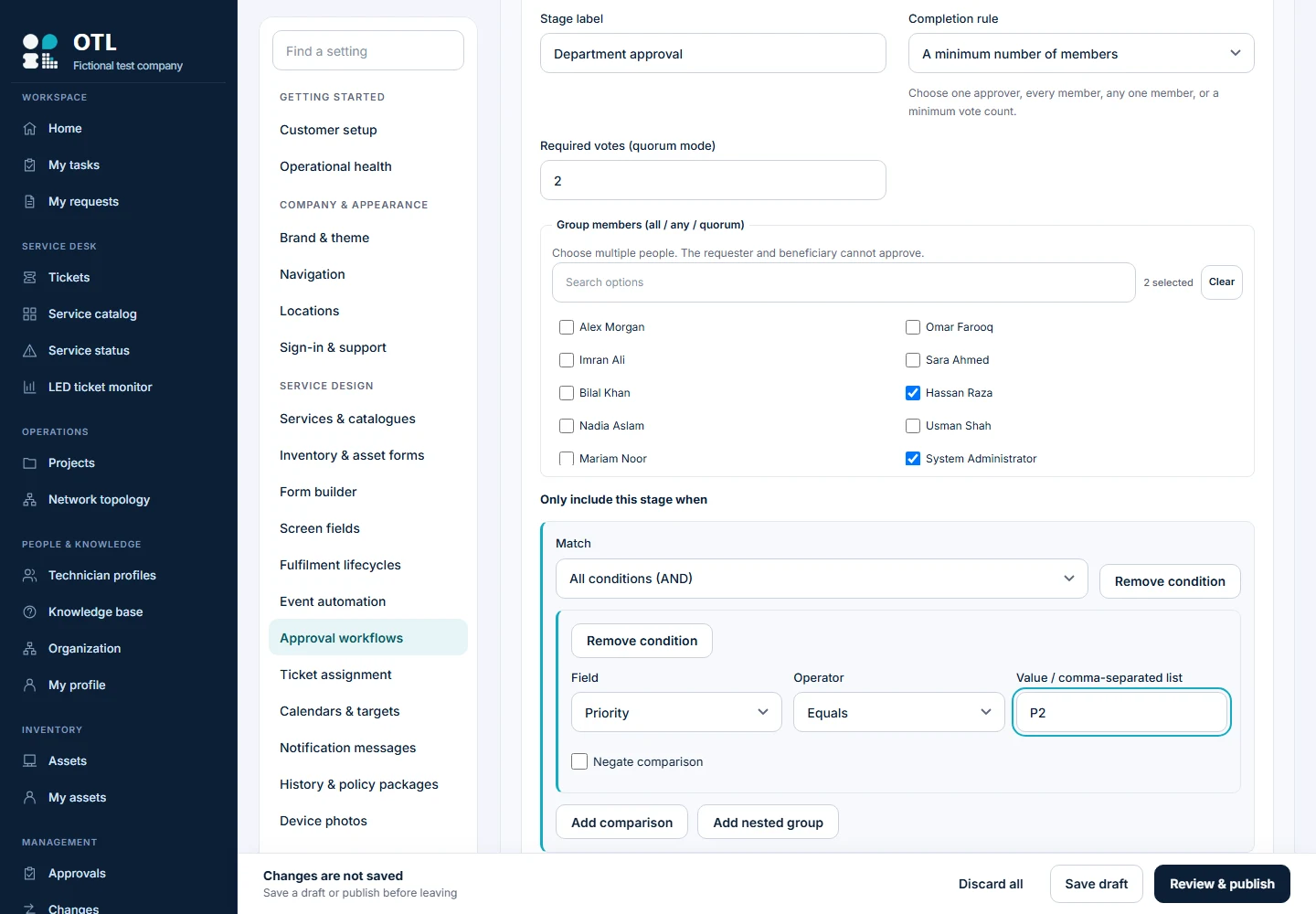
Test requests from multiple departments and locations, an unavailable approver, a rejected request and a request whose values do not match any specific rule. Confirm group-vote thresholds and who can decide. Use the simulator to inspect the route before you publish, then verify actual decisions with separate user accounts.
What are the boundaries?
The workflow engine supports conditional, ordered approvals; it is not an unrestricted scripting or robotic-process-automation platform. Cyclic workflows, arbitrary executable scripts and automated financial postings are outside the documented scope. Existing tickets retain their captured workflow revision rather than being silently rewritten when a new policy is published.