
Before you start
Use an authorised account in your company’s installation. Confirm your service and location scope. Test configuration changes with fictional records before publishing them for employees.
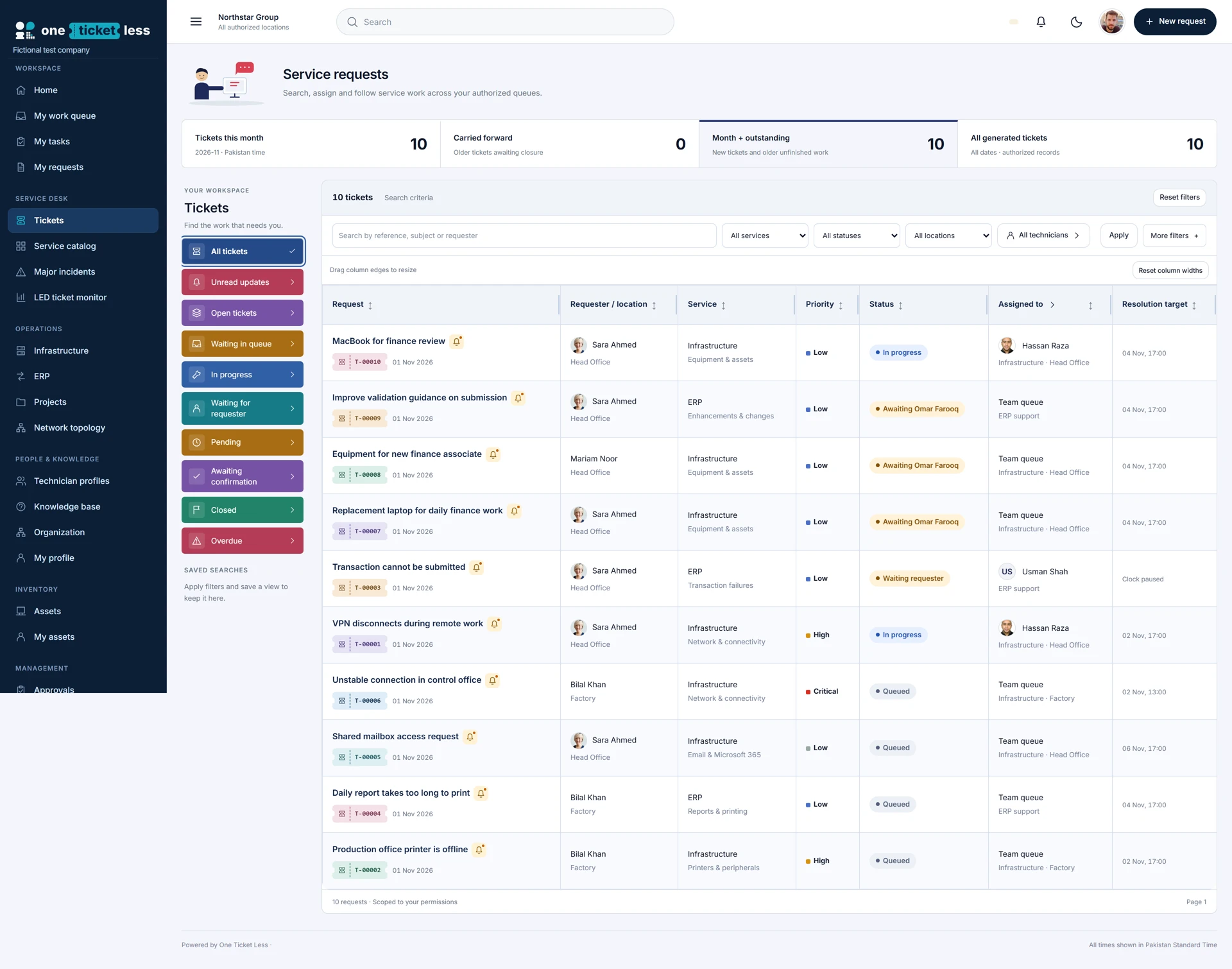
Step-by-step walkthrough
Start with the question
Decide whether you are measuring complaints, requested equipment, completed handovers or technician resolution work. These are different measures.
Set your reporting scope
Open Service reports with an authorised account. Select the reporting period and available scope controls; results remain limited by permissions.
Review complaints by category
Use Complaints by category for incident tickets. Open a category bar to inspect the underlying complaints instead of treating the chart as the whole investigation.
Review equipment demand
Use Asset requests by department. These figures represent requested units, not simply the number of tickets.
Read outstanding demand carefully
Compare requested, fulfilled-to-date and outstanding-now values. A ticket with several items can be partly fulfilled.
Review actual issuance
Use Monthly issuance to see recorded handovers within the period. A handover may belong to a ticket raised before the reporting period.
Separate movement types
Keep physical handovers and subscription assignments distinct. Repeat handovers are separate events; consumables use quantities.
Trace ownership to the record
Open the linked ticket or asset to inspect requester, recipient, assigned technician, decisions and movement history. Current assignee alone does not prove who performed an earlier action.
Export the relevant dataset
Use the dataset’s Export CSV action. Retain the period and measure definition with the export so colleagues can interpret it correctly.
Review exceptions with the team
Investigate overdue work, repeated returns and outstanding requirements. Record follow-up on the appropriate ticket rather than maintaining an unlinked spreadsheet narrative.
Check the result
Repeat the journey as the intended user, including a user outside the permitted scope. Confirm the visible choices, saved record and history match the policy. If an action is absent, check the user’s permissions and the published configuration before changing the workflow.
Configuration labels and available actions depend on the installed version and your role. These instructions describe the current local build.